Multi-Model AI Engine
Switch between powerful AI models to achieve the best editing results for different image styles and creative tasks.
Transform, enhance, and edit photos with AI using simple text prompts. EzEditor helps creators, marketers, and businesses produce professional-quality images effortlessly.
Model
Image
0/5
Drag & drop anywhere, or paste withCtrl+V
We accept .jpg, .jpeg, .png, .webp formats up to 24MB.
Prompt
Ratio
Switch between powerful AI models to achieve the best editing results for different image styles and creative tasks.
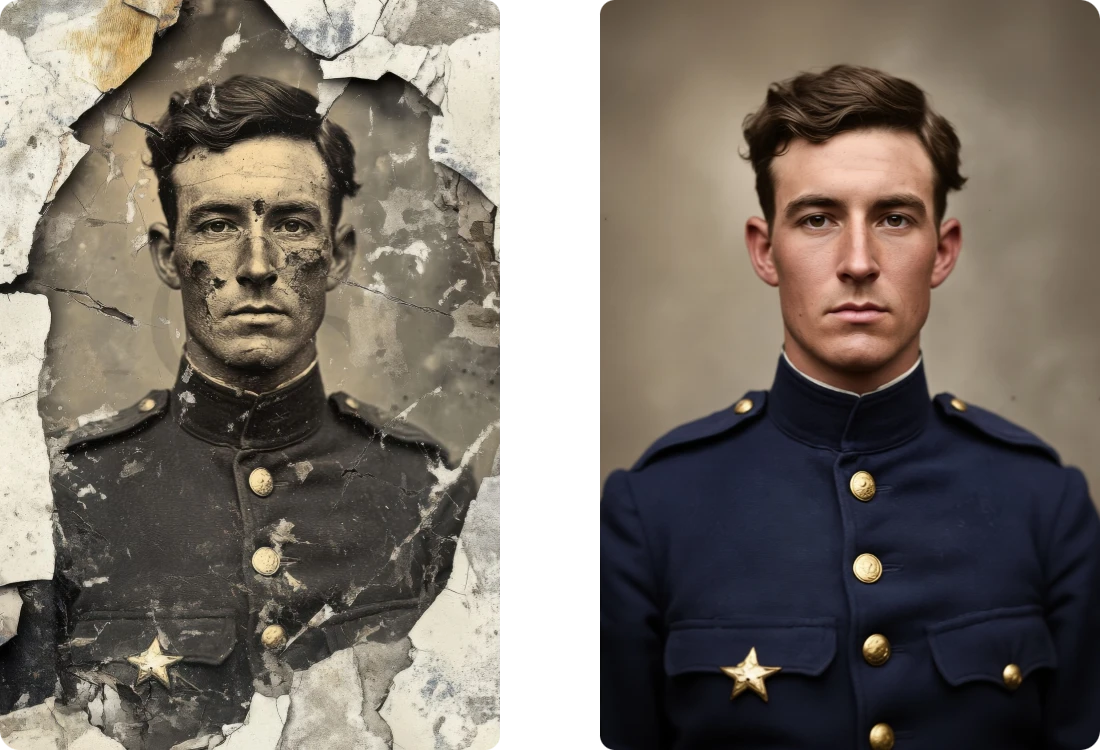
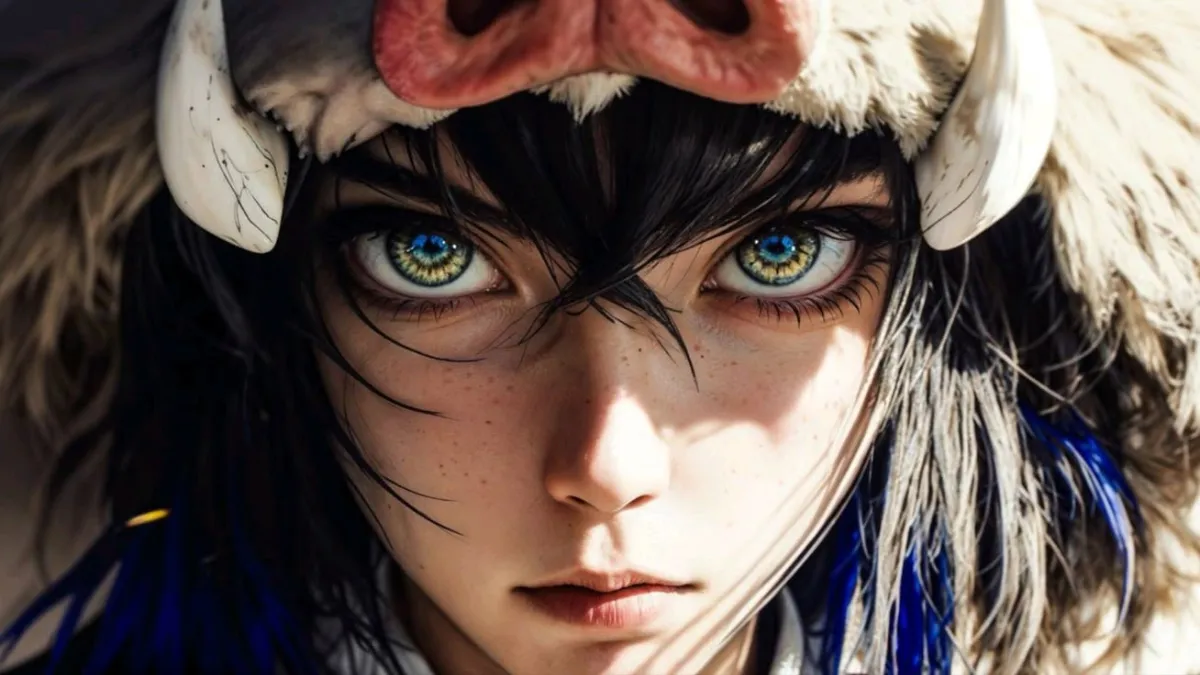
Transform images into new artistic styles or seamlessly blend multiple visual elements with natural, realistic AI-generated results.
Your uploaded images are processed securely and never shared, ensuring complete privacy throughout every AI editing session.
Generate high-quality image edits in seconds with optimized AI models for a faster creative workflow.
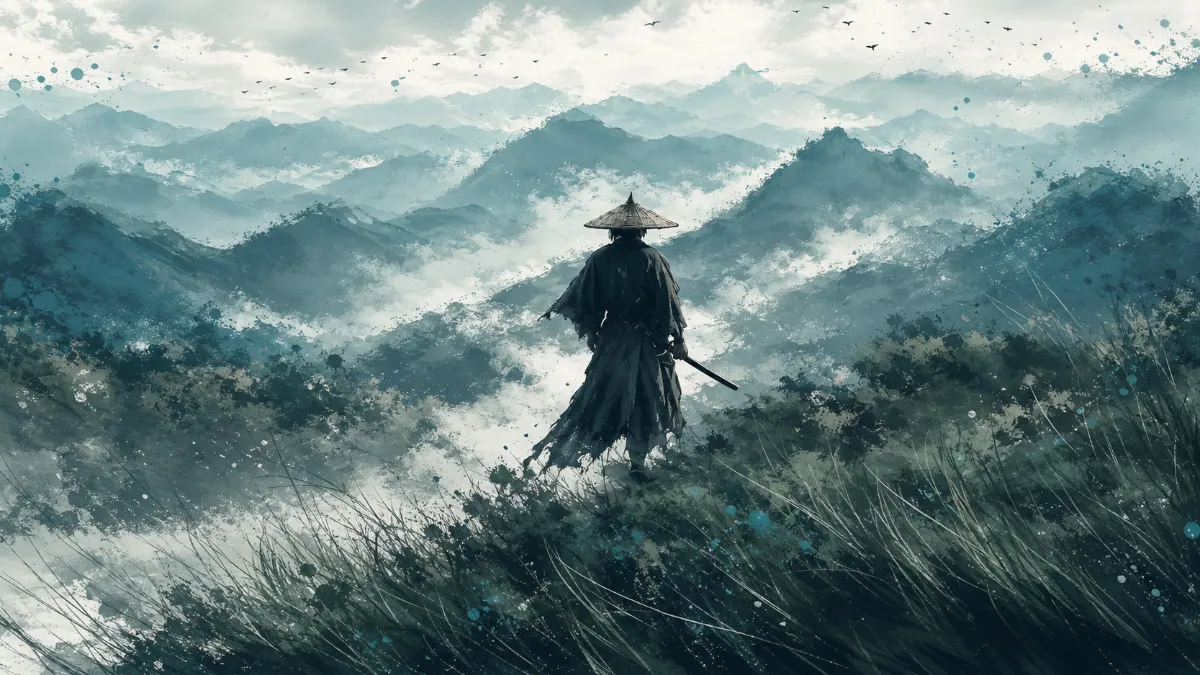
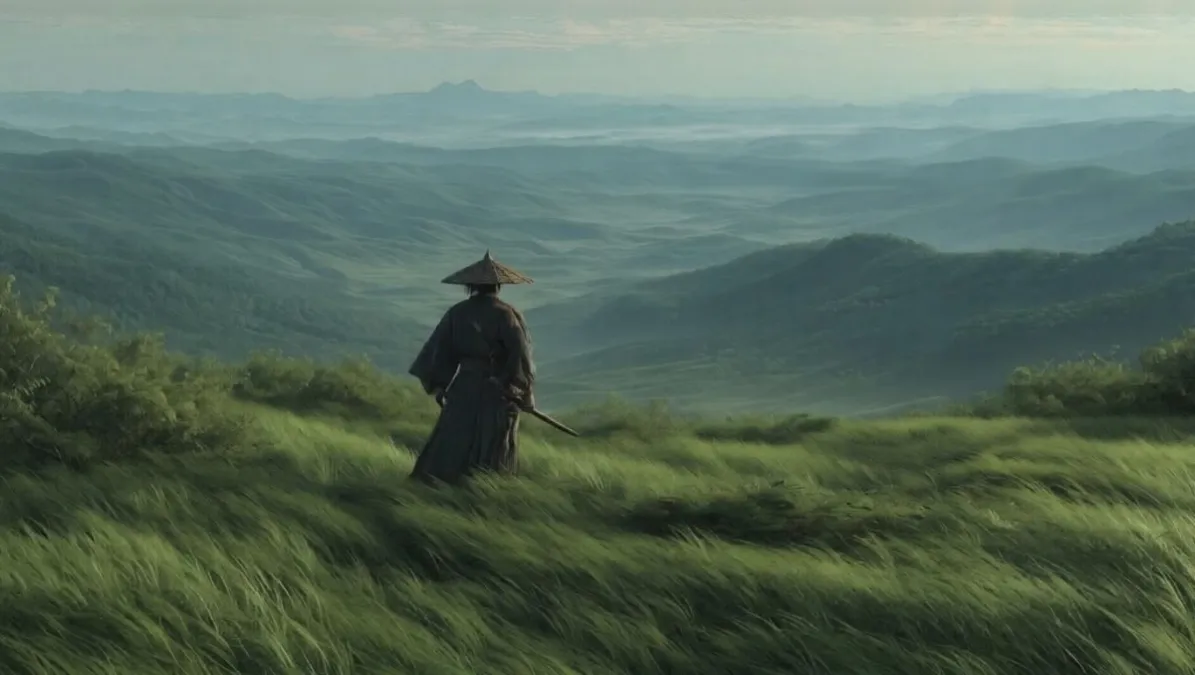
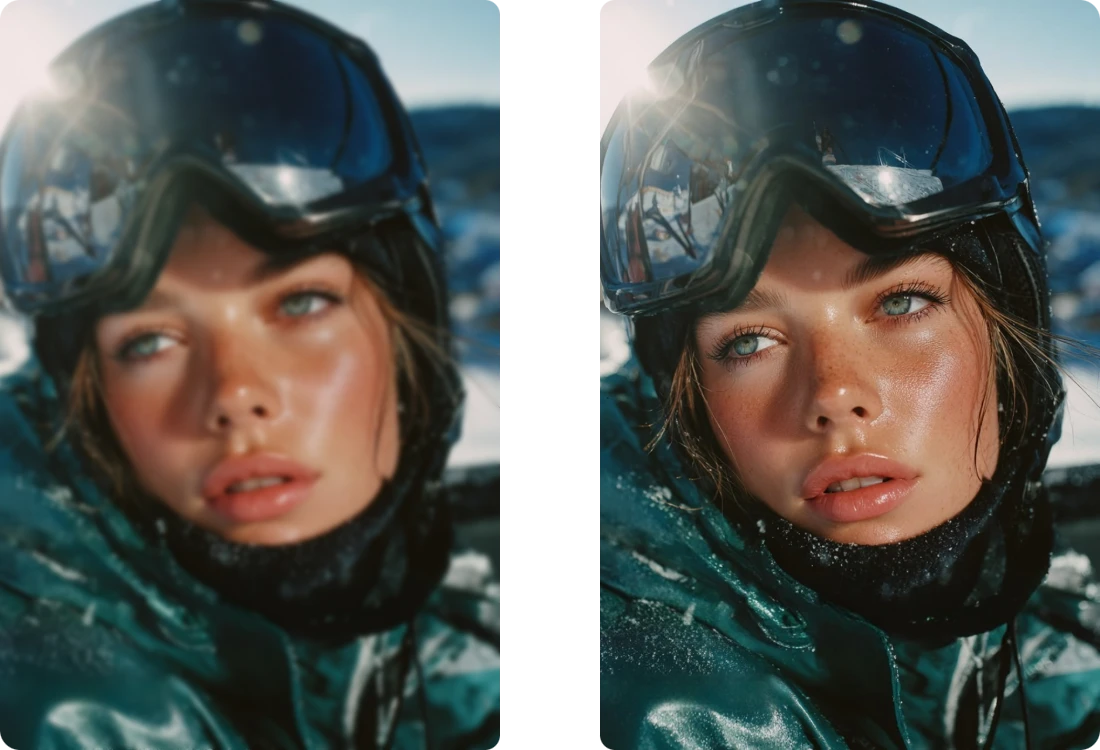
Drag the handle to compare before & after results
Upload a JPG, PNG, WEBP, or JPEG image from your device to start editing with EzEditor's AI Image Editor in just seconds.
Describe your desired changes with a text prompt, then choose the output aspect ratio to create results tailored to your creative vision.
Generate your AI-edited image instantly, or keep refining it with new prompts until you achieve the perfect final result.
Describe exactly how you want your image to look, and EzEditor's AI Image Editor with prompt will handle the rest. Simply enter a prompt to replace backgrounds, remove objects, restyle photos, or change details—no manual editing or complicated tools required.
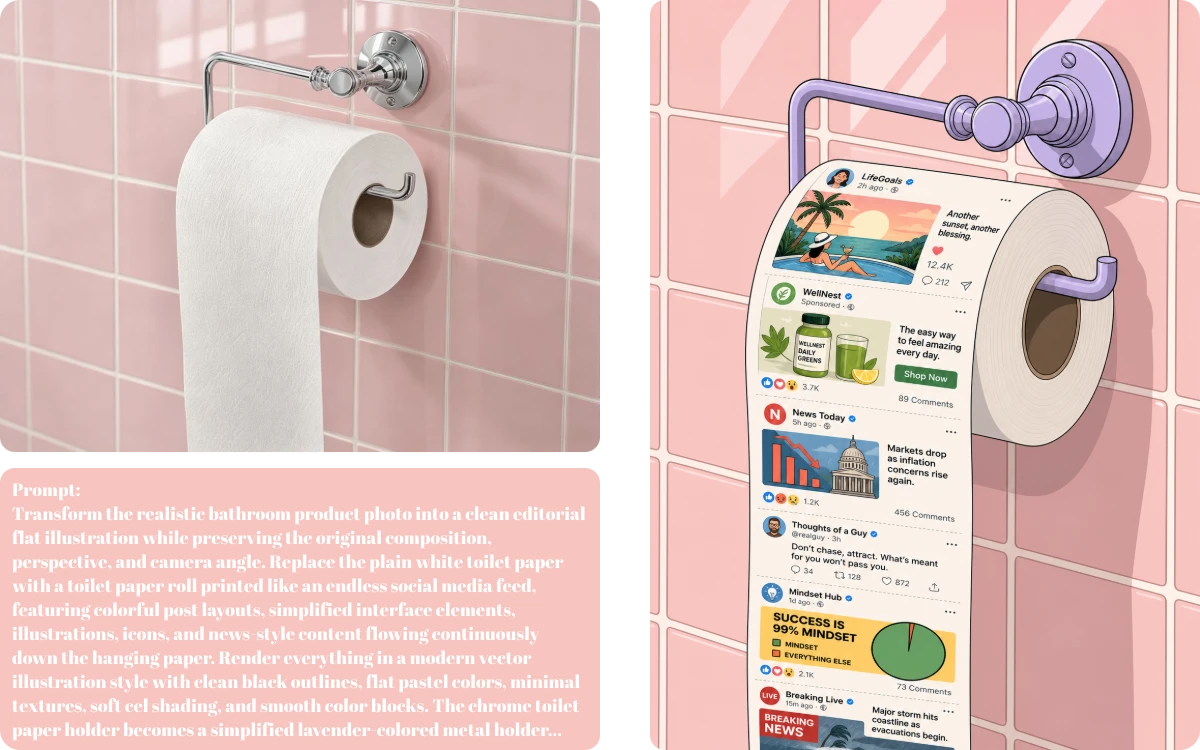
Start editing instantly with EzEditor's free AI image editor online—no signup, downloads, or software installation required. Upload your image, enter a prompt, and generate high-quality edits directly in your browser within seconds.
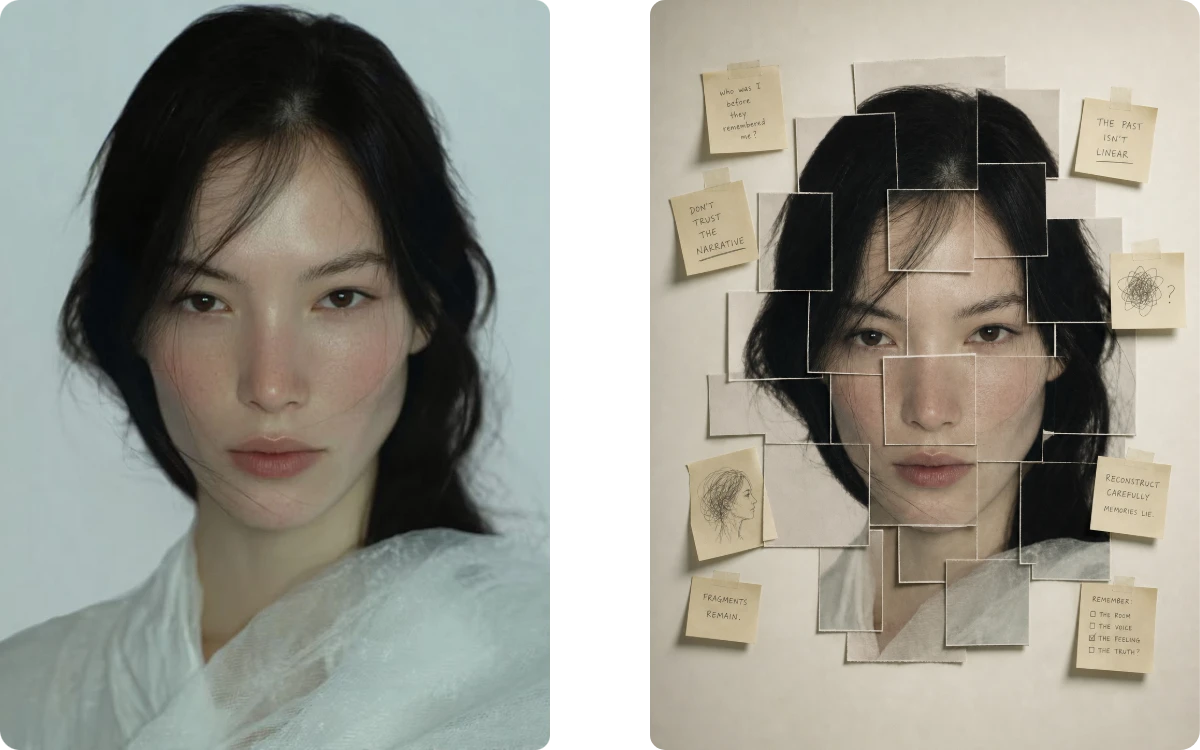
Every edit is generated in high resolution to preserve sharp details, natural colors, and image clarity. Download your finished image without watermarks, making it ready for social media, ecommerce, marketing, or professional creative projects.
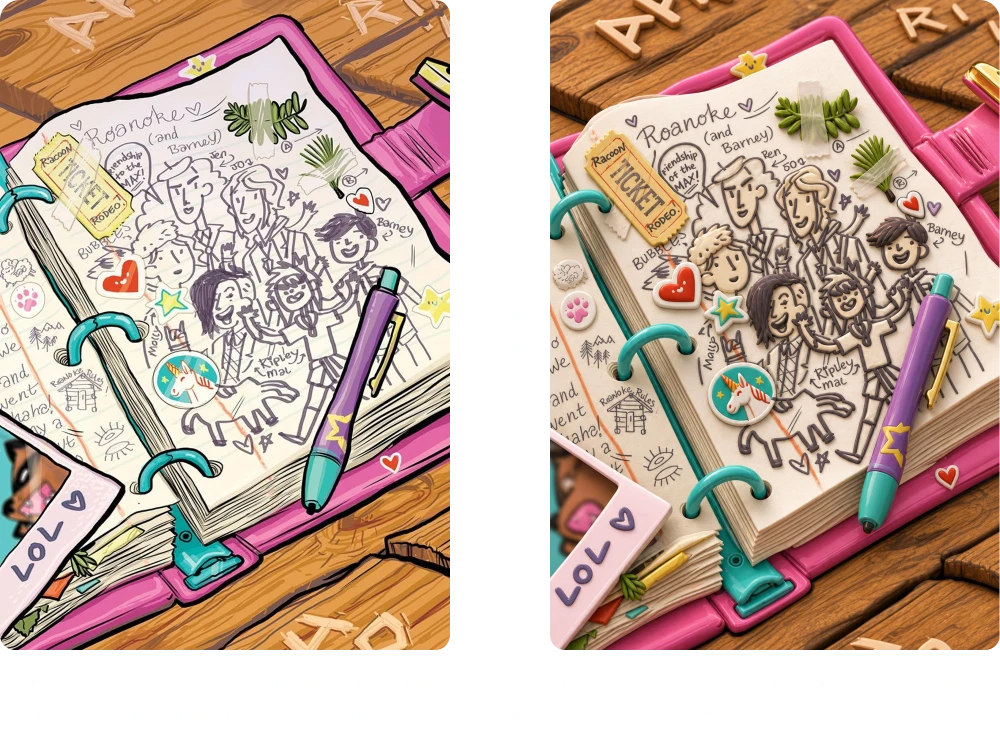
Whether you're creating product photos, social media content, marketing visuals, portraits, or concept art, EzEditor combines powerful AI editing with simple controls to help anyone achieve professional-looking results in just a few clicks.
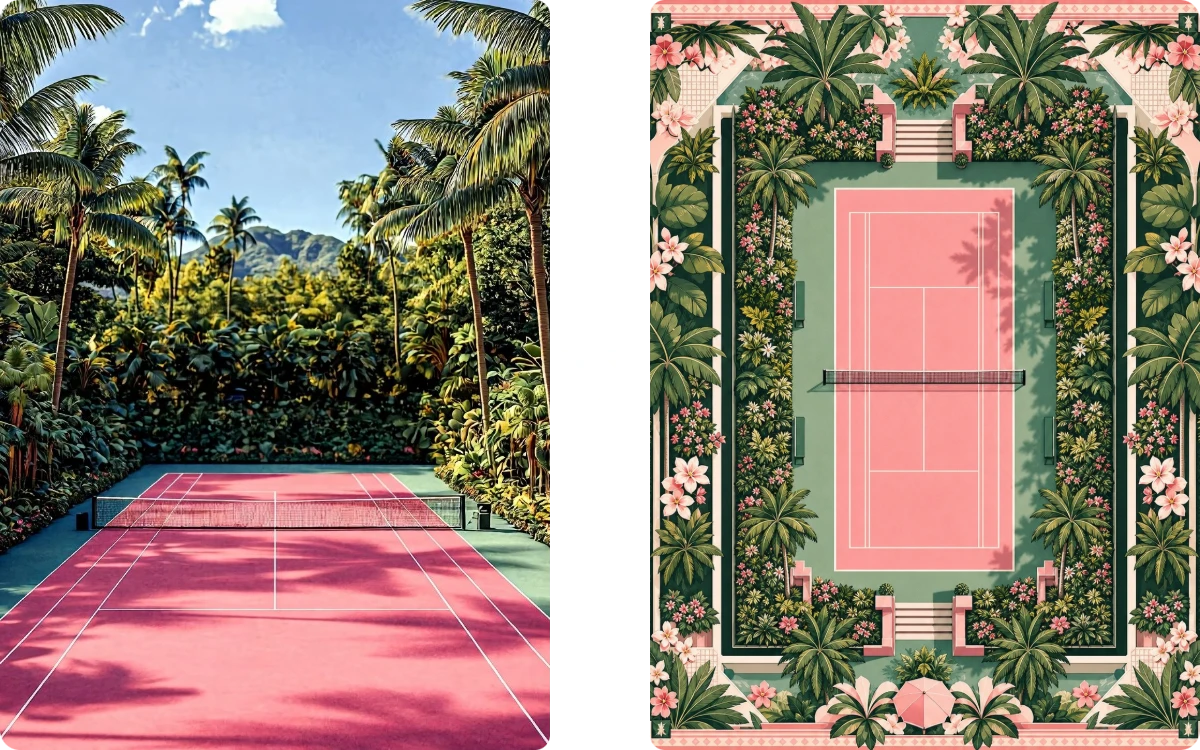
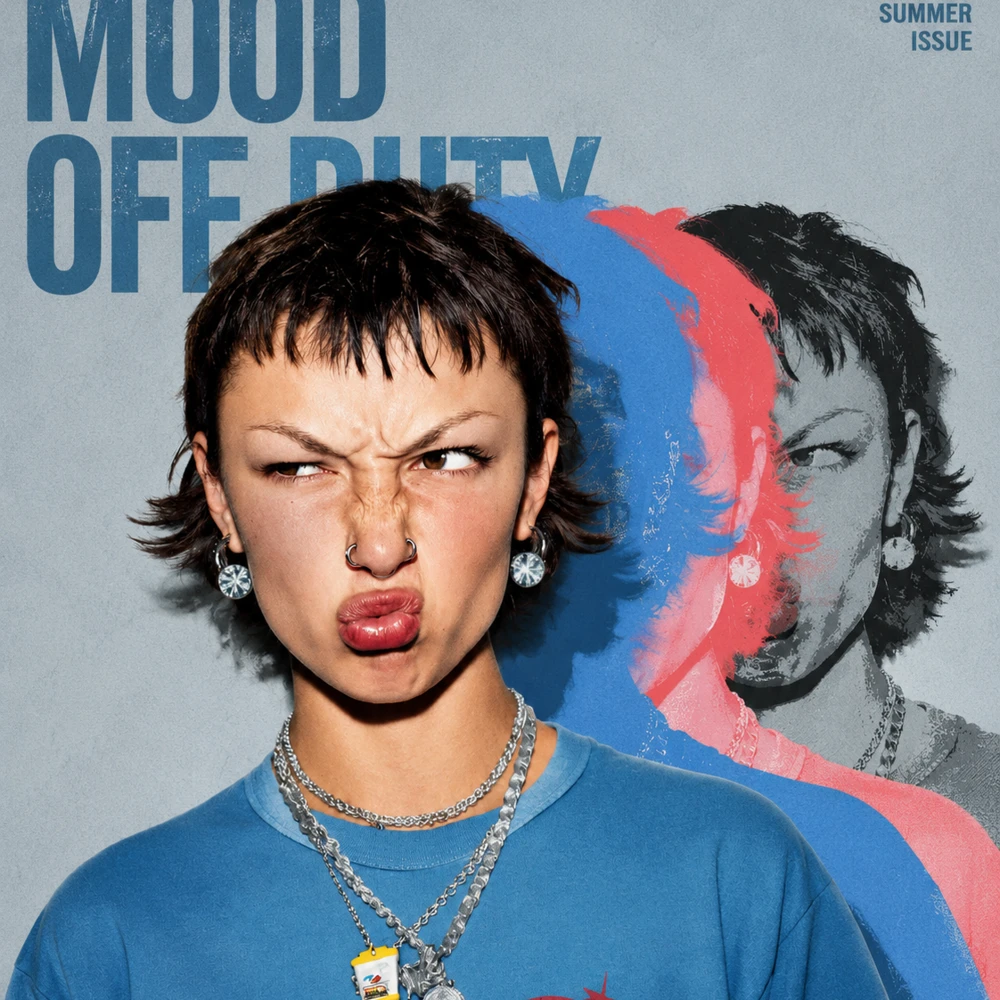
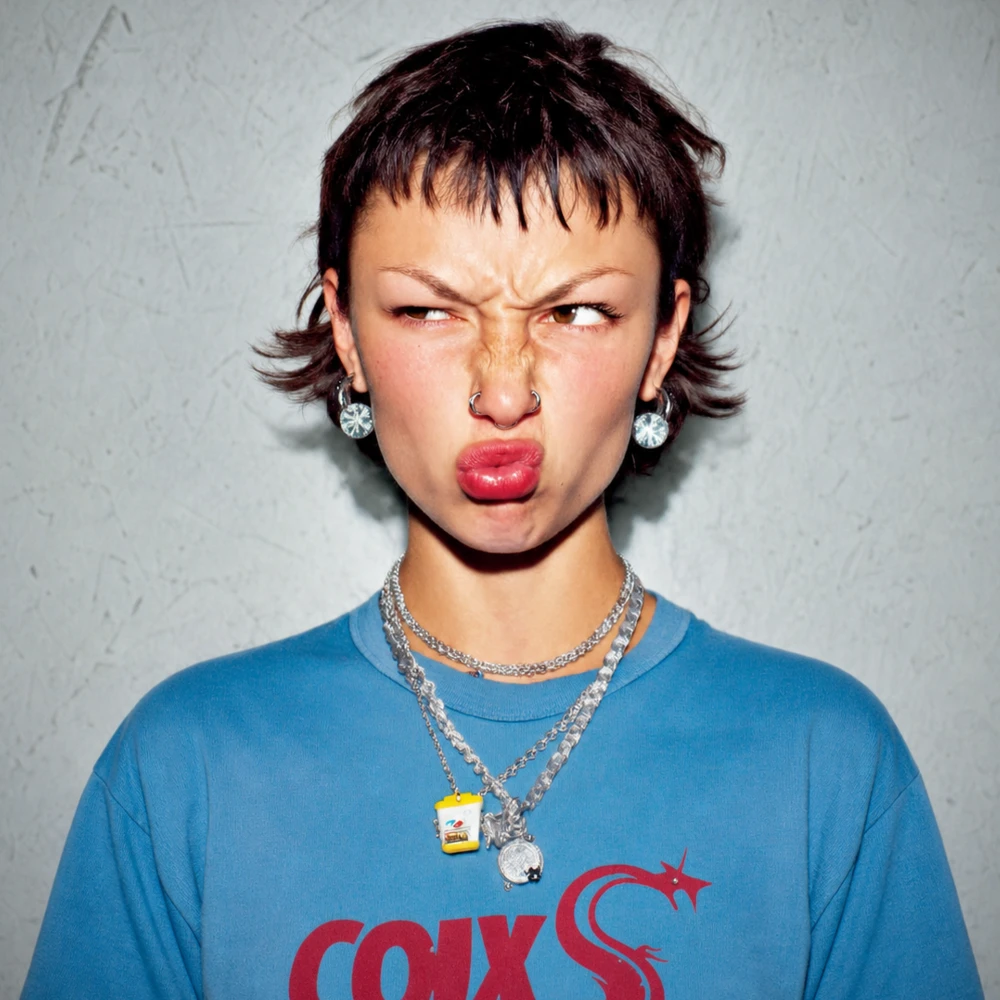
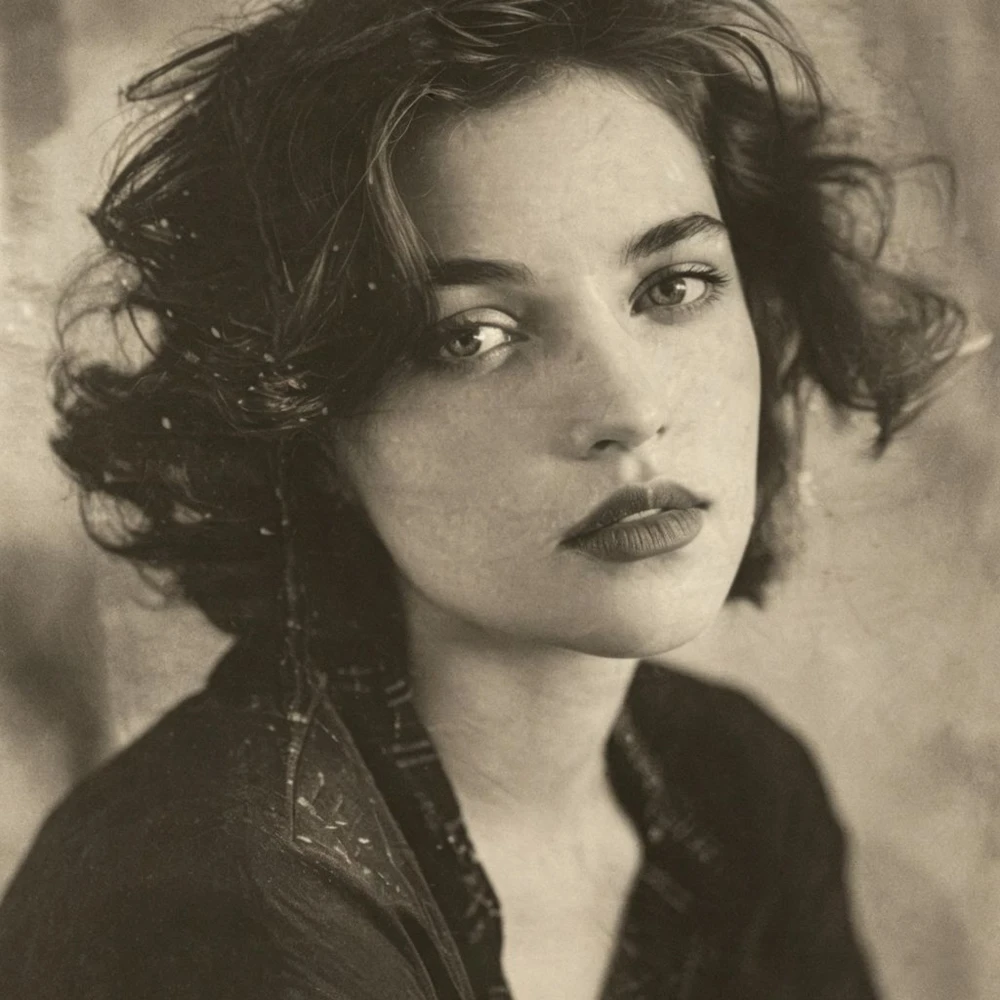
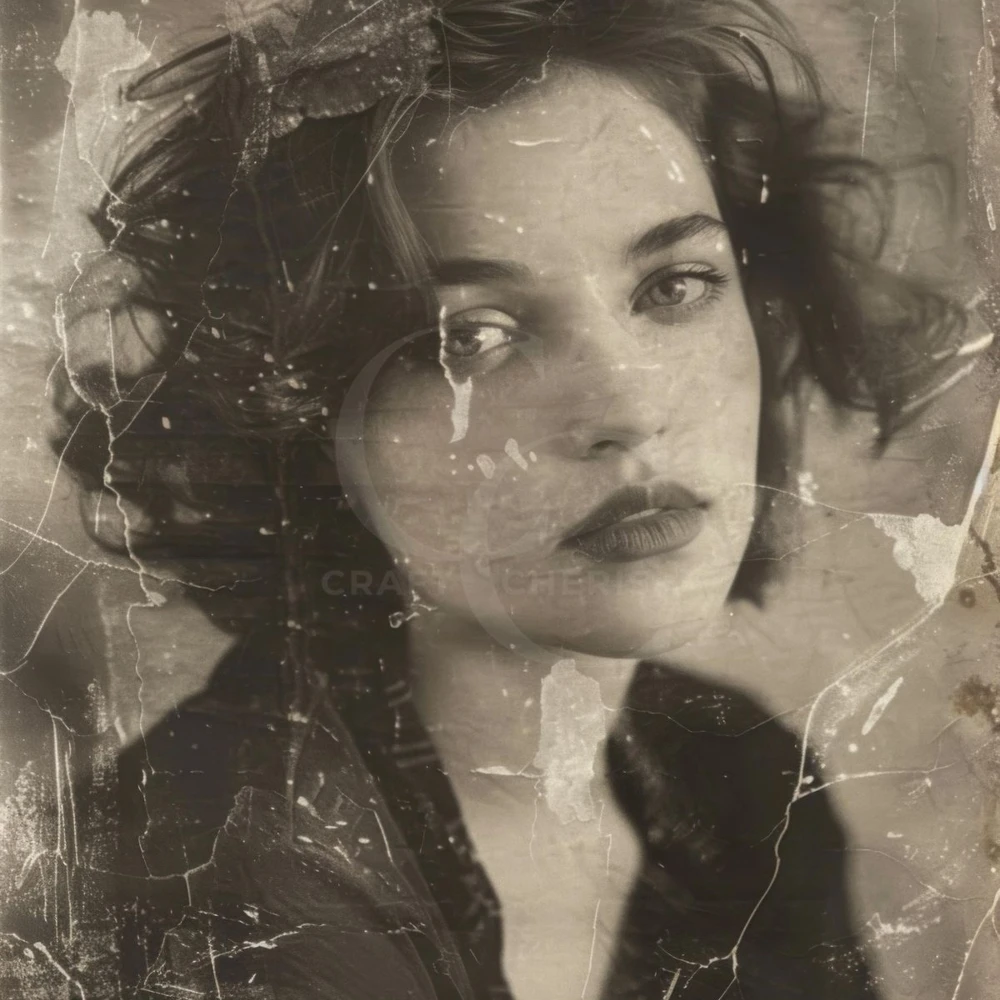
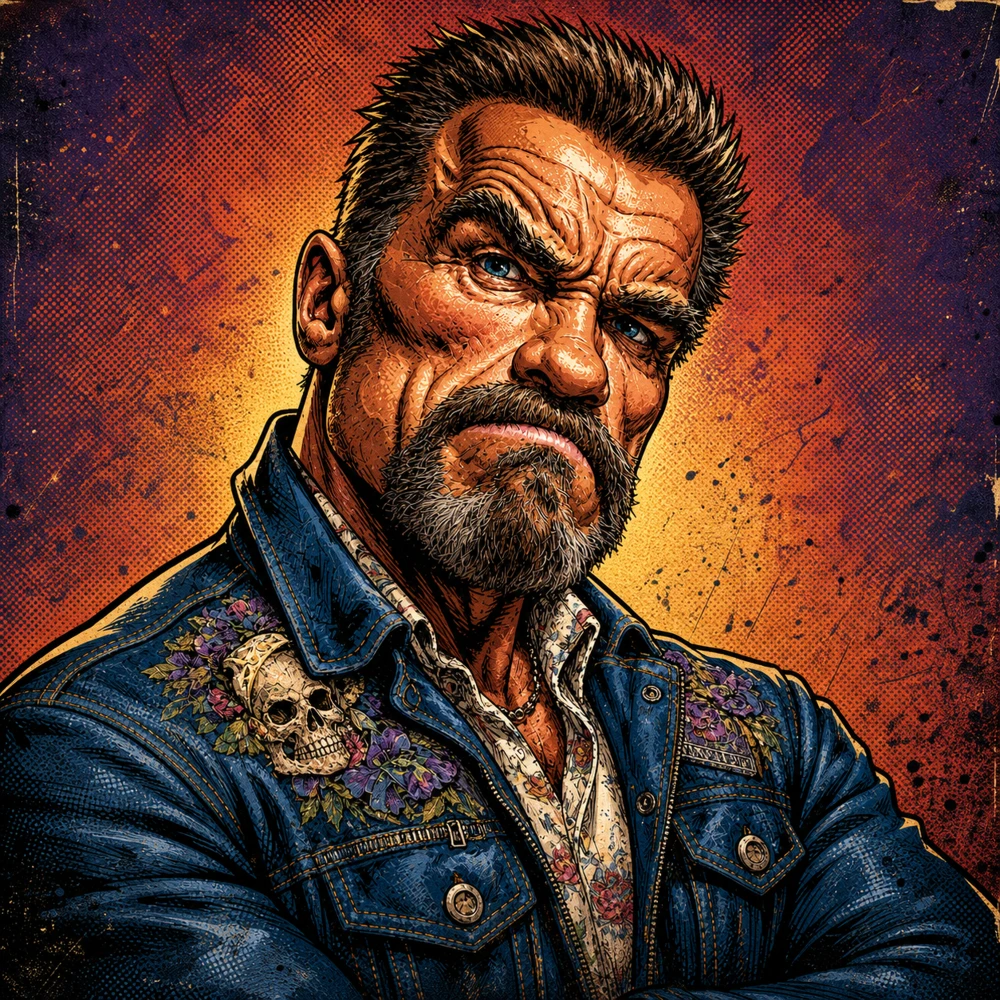
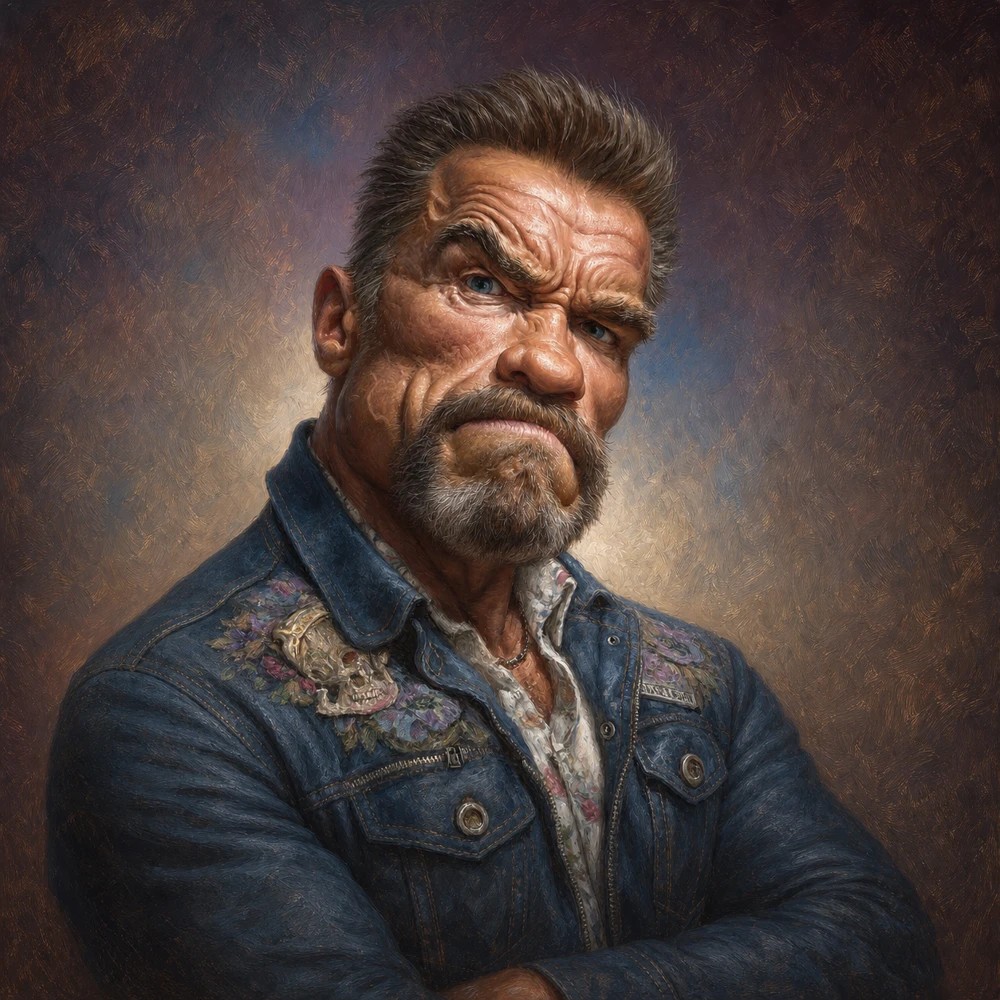


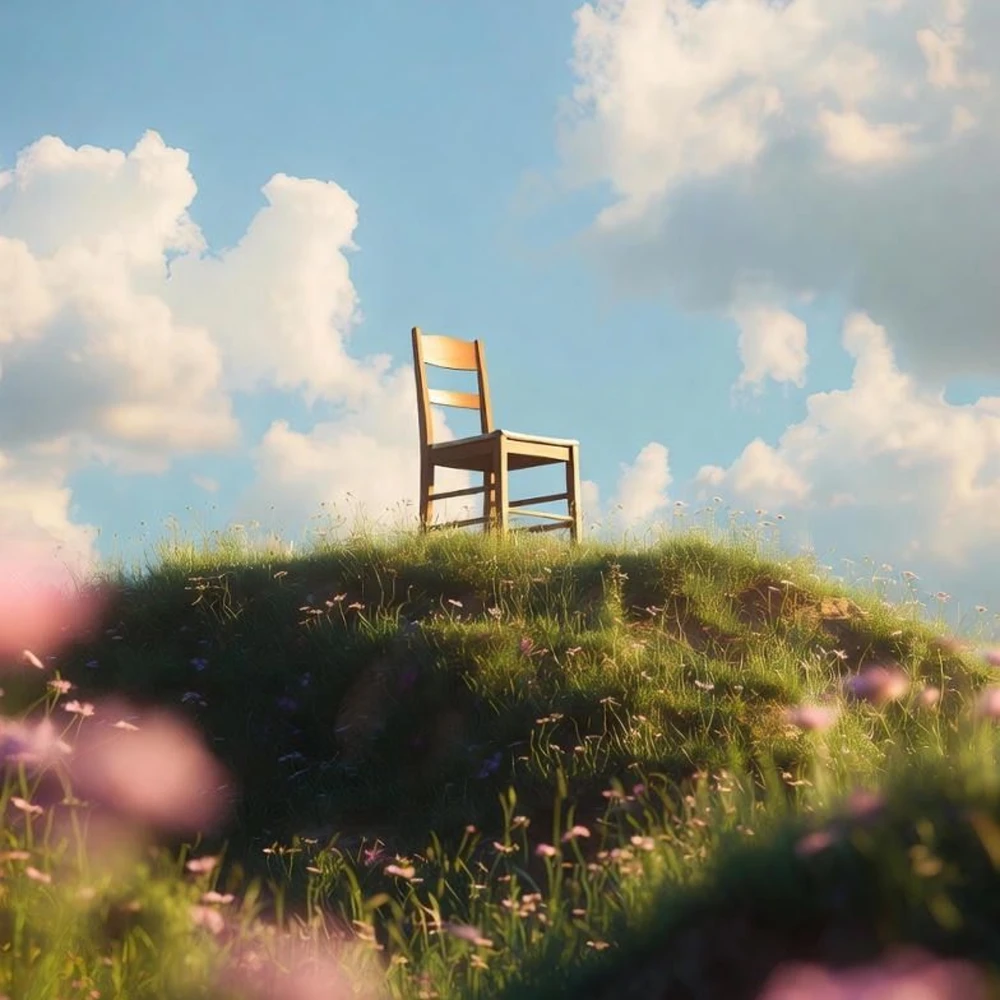
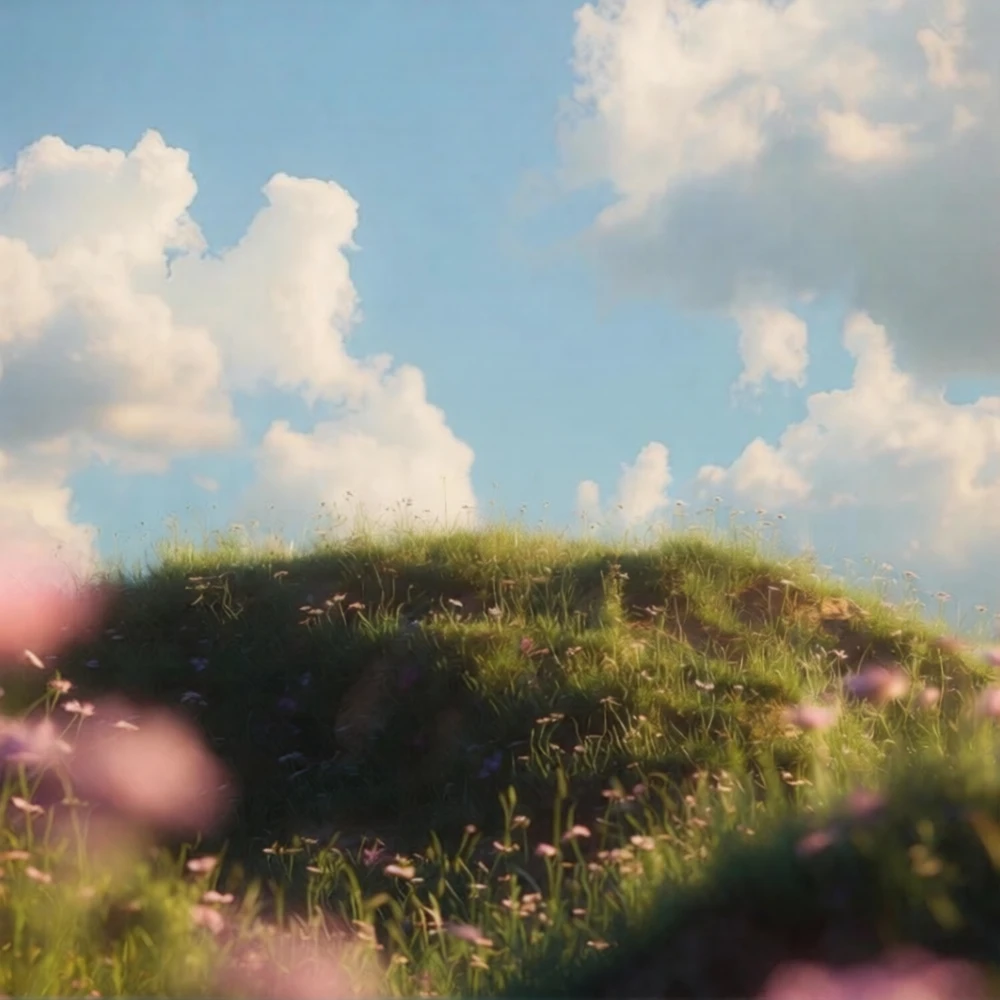

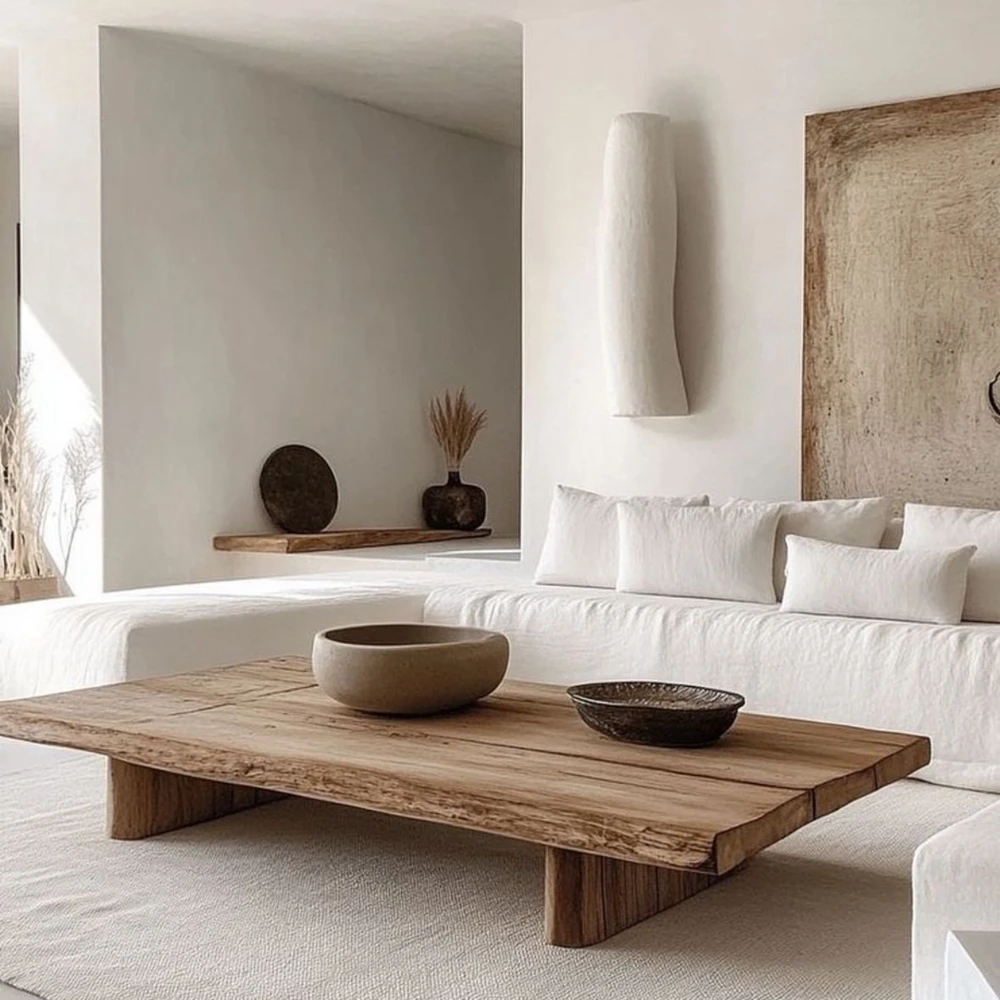


"I update product photos every week, and EzEditor's AI Photo Editor has completely changed my workflow. I simply describe the background I want, and the results are clean enough for my Shopify store without additional editing."
Ecommerce Store Owner
"I needed an AI Photo Editor with prompt for concept artwork. Instead of masking everything manually, I describe the changes, adjust the composition, and usually get usable results on the first attempt."
Freelance Illustrator
"I regularly design restaurant menus and posters. EzEditor's high-resolution AI image editing keeps details crisp, and the watermark-free downloads are ready for printing without extra adjustments."
Graphic Designer
"A client wanted instant revisions to product images, so I opened this free AI image editor online without creating an account. We finished several edits together before the meeting ended."
Marketing Consultant
An AI Image Editor is a tool that uses artificial intelligence to edit images based on text prompts or automated recognition. Instead of manually selecting objects or adjusting layers, you simply describe the changes you want, and the AI generates professional-looking edits in seconds.
Traditional editors require manual adjustments, masking, and advanced editing skills. An AI Photo Editor automates these tasks with intelligent image recognition and text prompts, making complex edits like background replacement, object removal, or style transfer much faster and easier.
Yes. EzEditor is a free AI image editor online with no signup required. Every user receives 5 free credits each day, and your credits automatically refresh the next day, so you can continue editing images without paying.
No. EzEditor is a free AI Image Editor with no signup. You can upload an image and start editing instantly without creating an account.
Yes. Your uploaded images are processed securely and are not shared with third parties. We prioritize your privacy throughout the editing process.
EzEditor supports JPG, JPEG, PNG, and WEBP formats, making it easy to edit most commonly used images.
Yes. Batch Processing lets you apply the same editing settings to multiple images, saving time on repetitive tasks.
EzEditor is designed for creators, designers, marketers, ecommerce sellers, photographers, and anyone who wants to edit photos with AI quickly and easily.
Join thousands of creators using EzEditor's AI Photo Editor to transform ideas into stunning visuals. Start your first AI-powered edit in under 30 seconds—no credit card required.